Introduction
A few years ago, creating a detailed 3D model often meant spending countless hours adjusting vertices, fixing geometry, and reducing polygon counts without sacrificing visual quality. Artists and engineers frequently faced a difficult choice: maintain stunning detail or create a lightweight model that could run smoothly in real-time applications. Both goals rarely came together without significant manual effort.
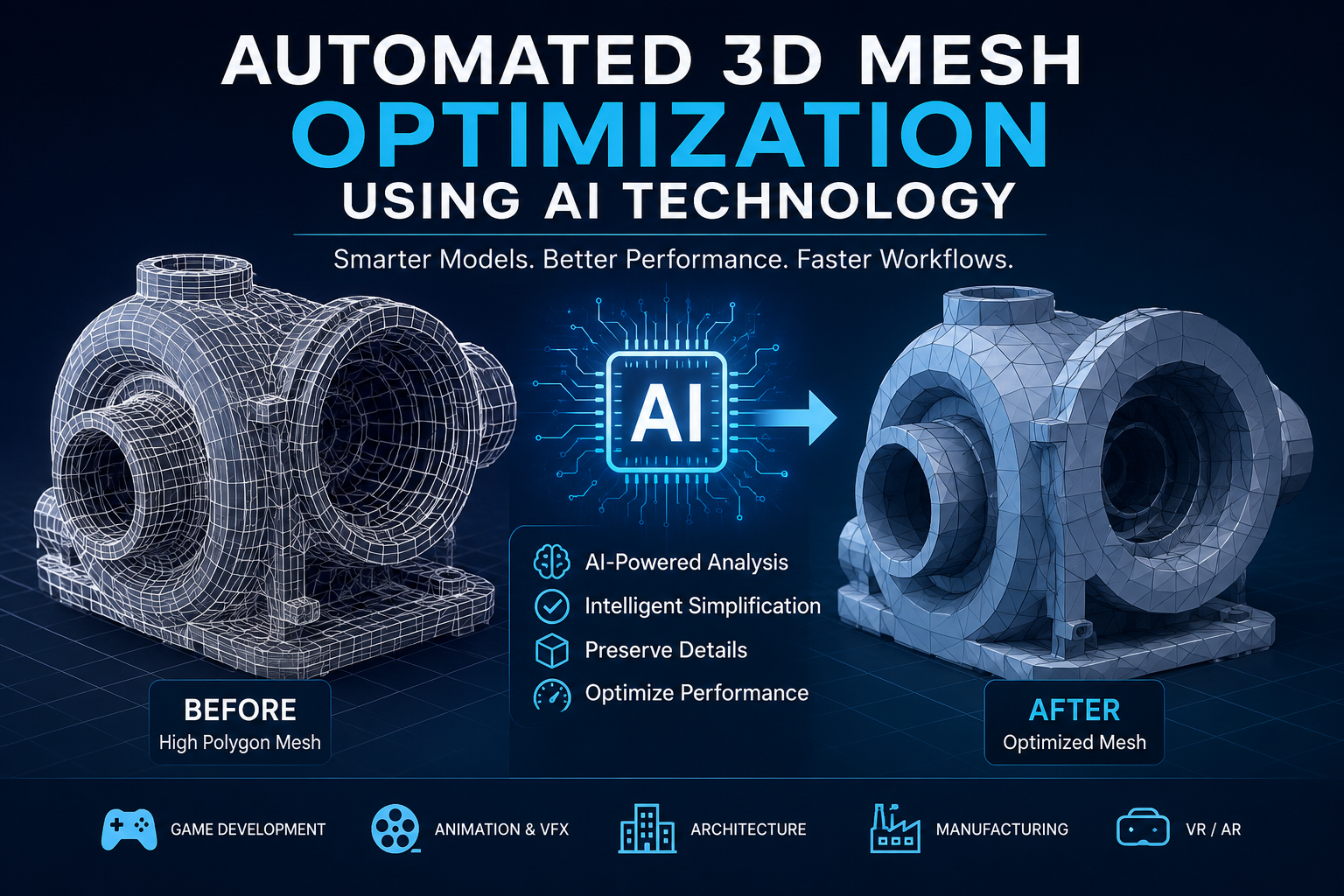
That challenge is changing rapidly. Automated 3D mesh optimization using AI technology is helping creators produce cleaner, faster, and more efficient 3D assets with far less repetitive work. Instead of manually inspecting every edge loop or polygon, AI-powered tools analyze mesh structures, identify improvements, and perform optimization tasks in minutes. Whether you’re developing video games, creating digital twins, designing products, or building AR and VR experiences, understanding this technology can dramatically improve your workflow and final results.
What Is Automated 3D Mesh Optimization Using AI Technology?
Automated 3D mesh optimization using AI technology refers to the use of artificial intelligence and machine learning algorithms to improve the structure and performance of 3D models automatically.
A 3D mesh consists of thousands—or sometimes millions—of connected vertices, edges, and faces. Highly detailed meshes often look impressive but can become too heavy for real-time rendering, simulation, or mobile applications.
AI systems analyze the geometry of these models and intelligently decide where detail can be reduced without noticeably affecting appearance.
Common optimization tasks include:
- Polygon reduction (mesh decimation)
- Surface smoothing
- Hole detection and repair
- Topology improvement
- Edge flow optimization
- Noise removal
- Mesh simplification
- UV optimization
Unlike traditional automated methods that rely on fixed mathematical rules, AI learns from large datasets of high-quality models, allowing it to make more context-aware decisions.
Why AI Is Transforming 3D Mesh Optimization
Traditional mesh optimization tools work well for straightforward models but often struggle with complex geometry. AI introduces adaptability by recognizing patterns and preserving important visual details.
Intelligent Detail Preservation
Imagine scanning a detailed sculpture with millions of polygons. A basic decimation algorithm may flatten facial features or erase fine textures.
An AI-powered system can recognize which areas define the object’s appearance and preserve those details while simplifying less noticeable regions.
The result is a smaller model that still looks remarkably similar to the original.
Faster Production Pipelines
Large studios may process thousands of 3D assets during a single project.
Instead of assigning artists to repetitive cleanup work, AI automates much of the process, allowing teams to focus on creativity and design rather than technical maintenance.
Improved Consistency
Human optimization can vary depending on experience.
AI applies consistent quality standards across large asset libraries, making projects easier to manage.
How AI Mesh Optimization Works
Although every software platform uses different techniques, the overall workflow follows several common stages.
Step 1: Mesh Analysis
The AI examines the entire model, identifying:
- Polygon density
- Surface curvature
- Edge connections
- Problem areas
- Non-manifold geometry
- Duplicate vertices
Step 2: Feature Recognition
Machine learning models detect visually important areas, including:
- Sharp edges
- Facial features
- Mechanical joints
- Decorative elements
- Functional components
These regions receive higher protection during optimization.
Step 3: Intelligent Simplification
Instead of removing polygons uniformly, AI selectively reduces geometry where changes are least noticeable.
This produces lightweight models while maintaining visual accuracy.
Step 4: Validation
Many AI systems automatically verify that:
- Surface normals remain correct
- Holes are repaired
- Topology remains usable
- Texture coordinates stay intact
- Performance targets are achieved
The optimized model is then ready for rendering, animation, simulation, or manufacturing.
Real-World Applications of AI-Powered Mesh Optimization
AI mesh optimization is becoming valuable across many industries.
Game Development
Modern games include thousands of 3D assets.
AI helps developers create multiple Levels of Detail (LODs), optimize environments, and improve frame rates without manually editing every model.
Film and Animation
Movie studios work with extremely detailed character models.
AI reduces technical workload while preserving animation quality and realistic facial expressions.
Architecture and Construction
Architects generate detailed Building Information Models (BIM) and digital twins.
AI optimization keeps these massive datasets manageable for visualization and collaboration.
Manufacturing
Industrial designers scan physical products into digital models.
AI automatically cleans scan data, repairs missing geometry, and prepares models for CAD software or 3D printing.
Healthcare
Medical professionals increasingly use 3D anatomical models derived from CT or MRI scans.
AI helps simplify these models for visualization, surgical planning, and educational purposes while preserving clinically important structures.
Virtual Reality and Augmented Reality
VR and AR applications require highly optimized assets to maintain smooth performance on headsets and mobile devices.
AI allows developers to reduce polygon counts without creating distracting visual artifacts.
Benefits and Challenges of Automated 3D Mesh Optimization Using AI Technology
Like any emerging technology, AI-powered mesh optimization offers impressive advantages but also has limitations.
Benefits
- Saves significant production time
- Reduces repetitive manual editing
- Improves rendering performance
- Creates consistent optimization across projects
- Helps beginners achieve professional-quality results
- Supports large-scale asset libraries
- Reduces development costs over time
Challenges
- AI may occasionally oversimplify delicate geometry.
- Some specialized models still require manual adjustments.
- High-quality training data is essential for reliable results.
- Complex engineering models may need expert validation before manufacturing.
The best results often come from combining AI automation with human review rather than relying entirely on automation.
Best Practices for Getting the Most from AI Mesh Optimization
AI is a powerful assistant, but thoughtful preparation leads to better outcomes.
Start with Clean Input Data
Remove unnecessary duplicates and obvious errors before optimization. Clean input allows AI to make better decisions.
Define Performance Goals
Different projects require different optimization levels.
For example:
- Mobile games prioritize low polygon counts.
- High-end films prioritize visual fidelity.
- Engineering simulations prioritize geometric accuracy.
Choose settings that match your final application.
Review Critical Areas
Even highly accurate AI should be reviewed around moving parts, facial features, joints, and mechanical interfaces.
A few minutes of inspection can prevent larger problems later.
Test in the Final Environment
Always evaluate optimized meshes inside the software or platform where they will actually be used.
Performance improvements can vary depending on the rendering engine.
The Future of AI in 3D Mesh Optimization
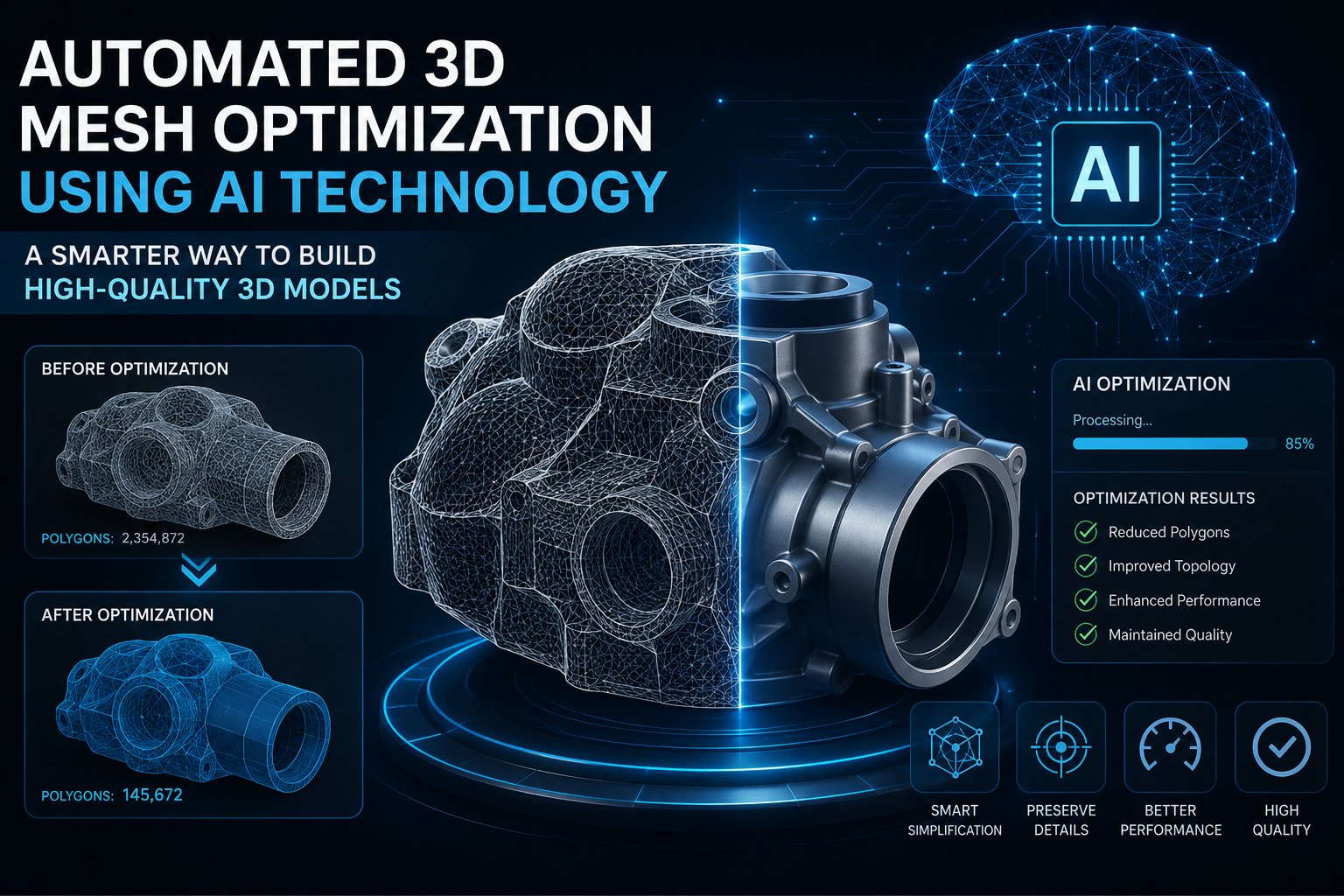
Artificial intelligence is moving beyond simple mesh reduction. Future systems are expected to optimize entire 3D production pipelines by understanding materials, animations, lighting, and physics simultaneously.
Generative AI may soon create optimized meshes directly from sketches, text prompts, or rough scans, eliminating several manual steps. As computing power continues to improve, AI-driven optimization will likely become a standard feature in nearly every professional 3D application.
Rather than replacing artists and engineers, these tools are shifting their focus toward creativity, design decisions, and problem-solving while automation handles repetitive technical work.
Frequently Asked Questions
FAQ 1: What is automated 3D mesh optimization using AI technology?
It is the process of using artificial intelligence to automatically simplify, repair, and improve 3D mesh structures while preserving important visual details. This reduces manual editing and improves performance.
FAQ 2: Which industries benefit most from AI mesh optimization?
Gaming, animation, architecture, manufacturing, healthcare, engineering, virtual reality, and augmented reality all benefit from faster workflows and optimized 3D assets.
FAQ 3: Does AI replace 3D artists?
No. AI automates repetitive technical tasks, but artists remain essential for creative decisions, visual quality, storytelling, and final review.
FAQ 4: Can AI improve scanned 3D models?
Yes. AI can remove scan noise, repair holes, improve topology, and simplify complex meshes, making scanned models easier to edit and use.
FAQ 5: Is AI mesh optimization suitable for beginners?
Yes. Many AI-powered tools simplify complex optimization tasks, allowing beginners to produce cleaner models while learning professional workflows.
FAQ 6: Does mesh optimization reduce visual quality?
Some reduction is possible if optimization settings are too aggressive. However, modern AI techniques are designed to preserve important details while removing unnecessary geometry.
FAQ 7: Why is mesh optimization important for real-time applications?
Optimized meshes require less processing power, enabling smoother rendering, faster loading times, and better performance in games, VR, AR, and interactive applications.
Conclusion
Automated 3D mesh optimization using AI technology is reshaping how digital assets are created, refined, and deployed. By intelligently reducing polygon counts, repairing geometry, and preserving critical details, AI helps creators save time without compromising quality. From game development and animation to manufacturing and healthcare, the technology offers practical advantages that improve both efficiency and performance.
While AI is not a replacement for skilled artists or engineers, it serves as a powerful partner that handles repetitive optimization tasks and allows professionals to focus on innovation. As AI continues to evolve, learning how to integrate these tools into your workflow will become an increasingly valuable skill for anyone working with 3D content.







Leave a Reply